
Tap the watch or a button · 15 things to change
New: orange as standard, three more colours. Update the face in Connect IQ to get it.
COMMAND · DigitalCommand
Tactical Panel Digital Watch Face
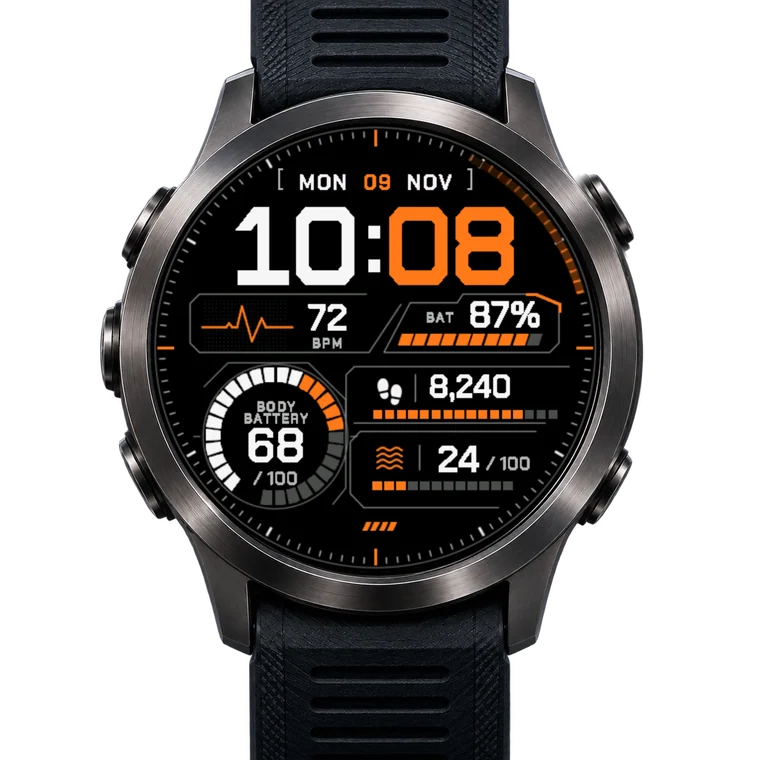
Command reads like a cockpit panel: a big squared time with white hours and orange minutes, the date in brackets with the day in orange, heart rate with an ECG trace, battery with a slanted segment bar, a big segmented ring for your Body Battery, and panels for steps and stress, each with its goal and a segment bar. An orange tail follows the seconds round the ring of fine ticks, with orange marks at 12, 3, 6 and 9.
- 5
- Fields
- 20
- Metrics
- 4
- Colourways
- 68
- Watches
- 1Tap Get it
- 2Pay once in Garmin's store
- 3On your watch after the next sync
The app asks you to sign in to Garmin again. In your own browser you buy with your Garmin account as usual. No luck? Tap ••• and Open in browser.
- Runs on 68 Garmin watches
- Free updates
- One-time purchase, no subscription
- Paid and refunded through Garmin's store
the store on your phone
Every picture is a screenshot of the face running in Garmin's simulator.
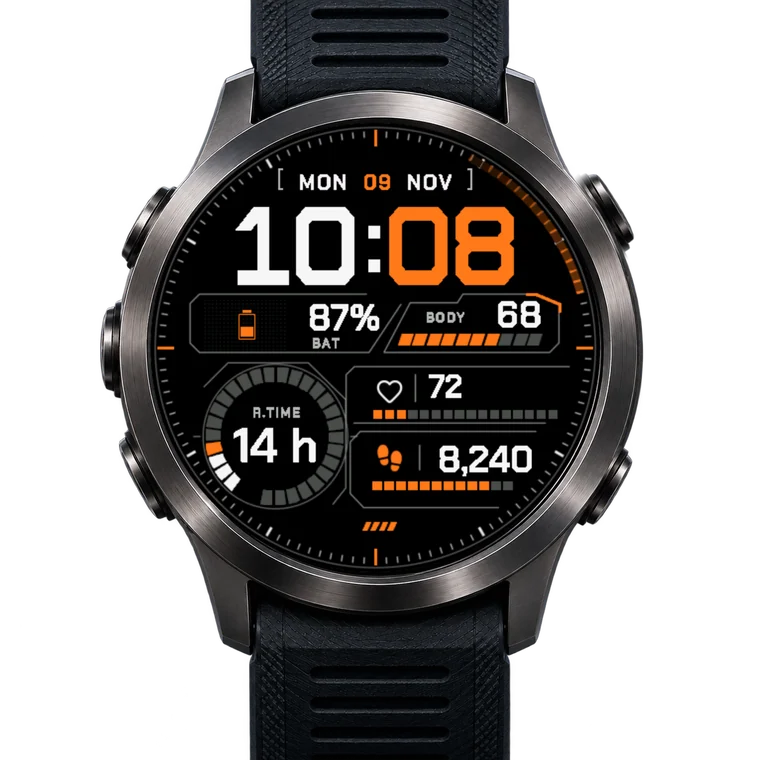
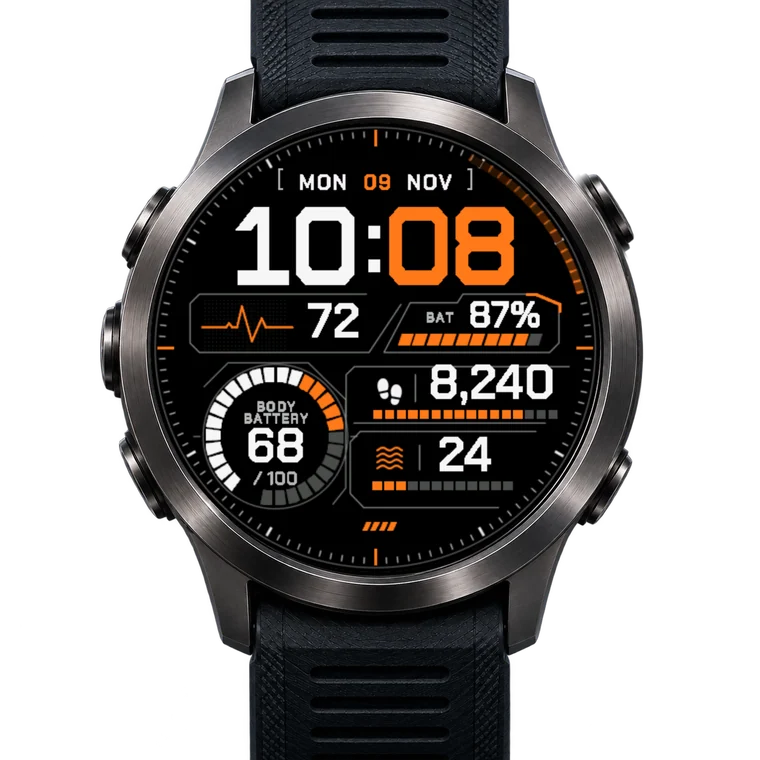
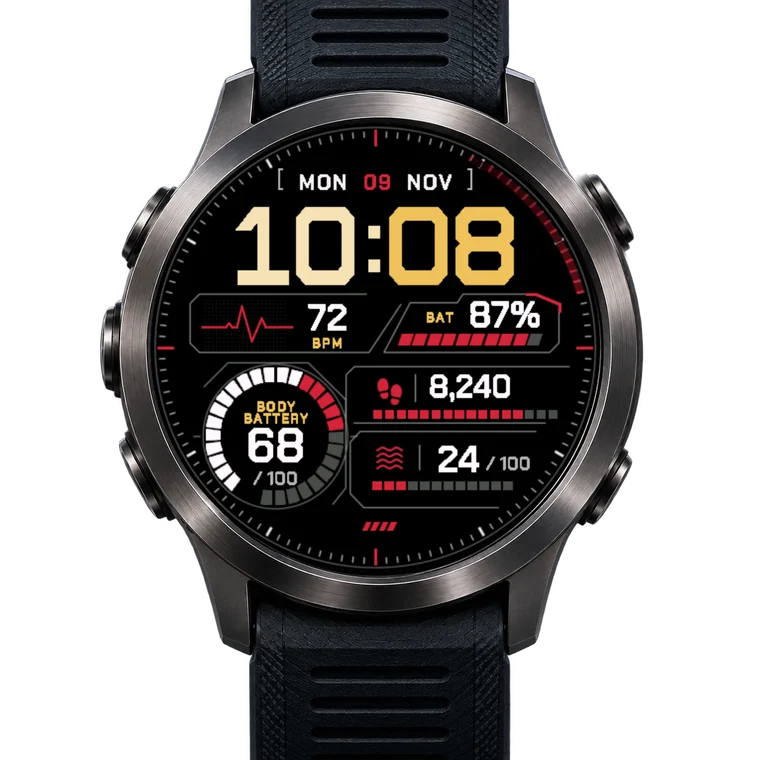
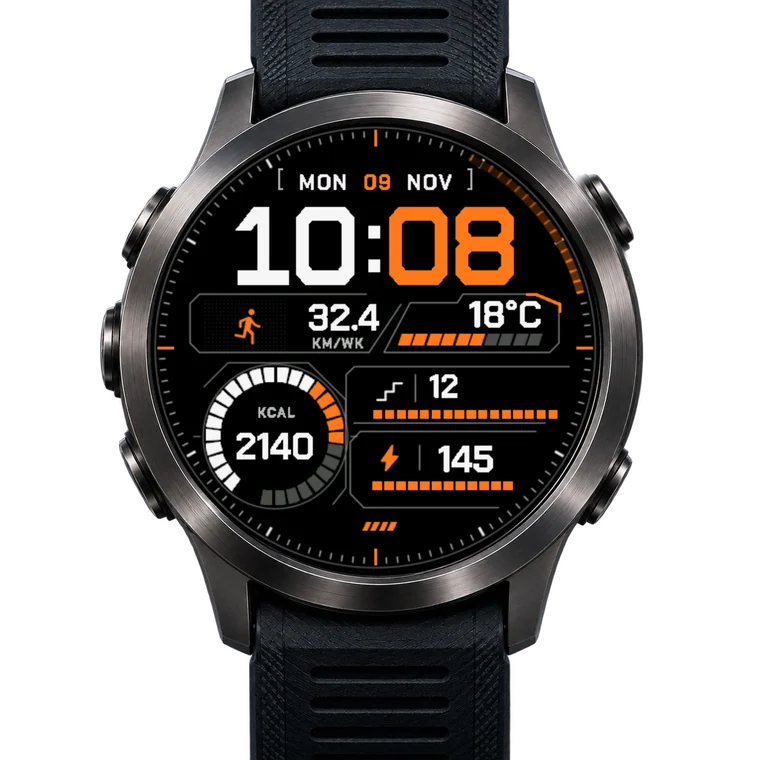
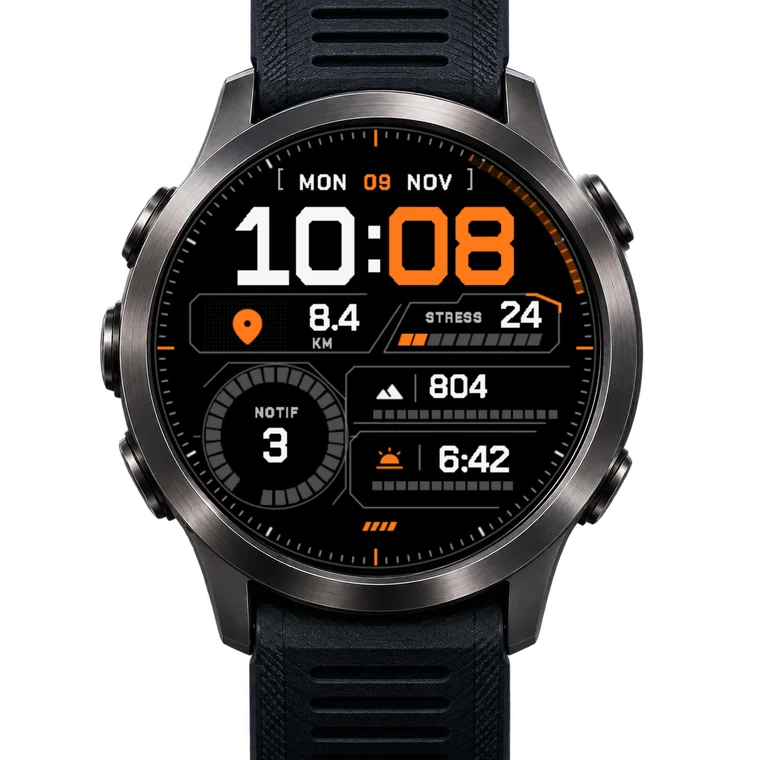
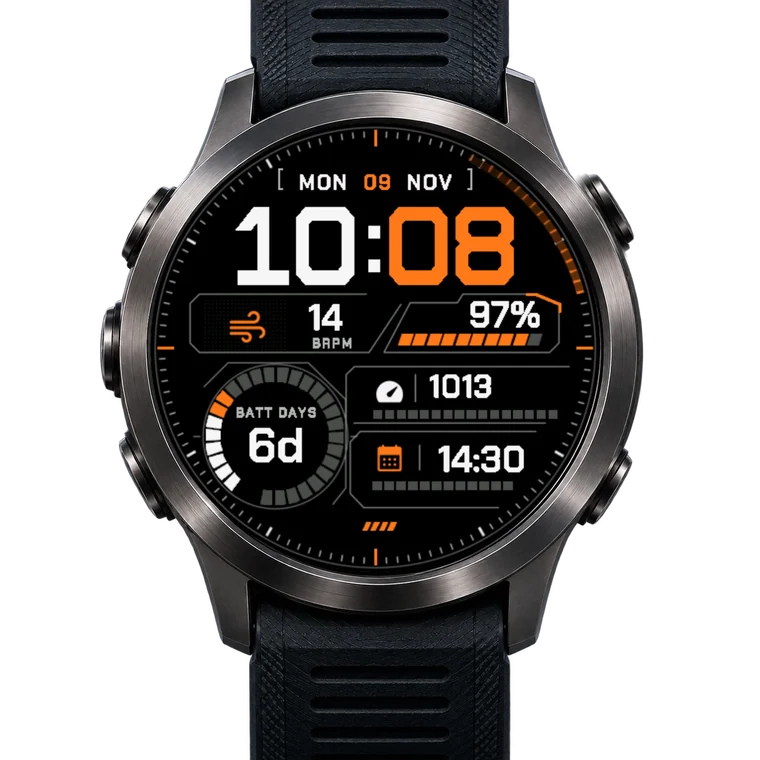
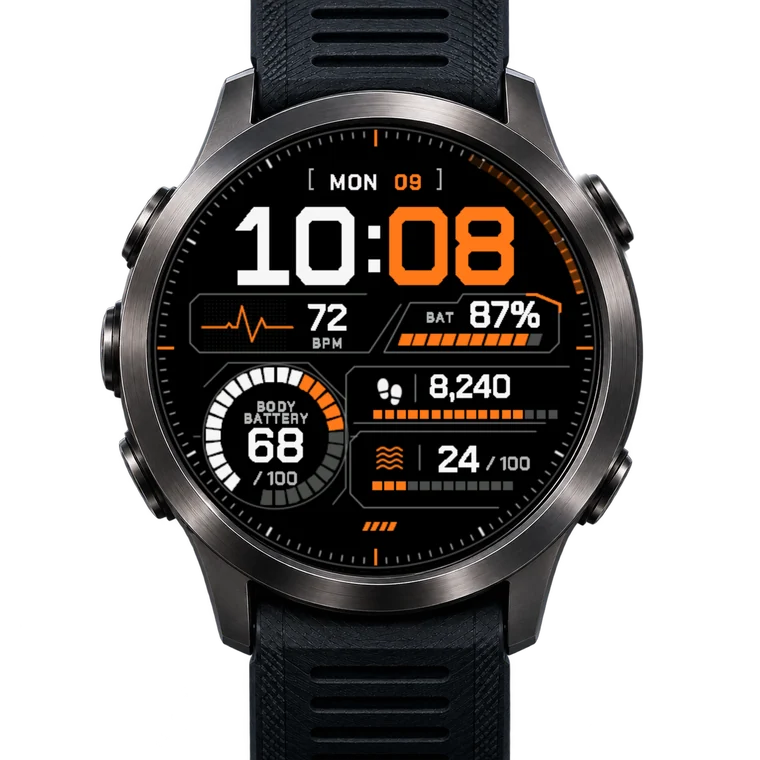
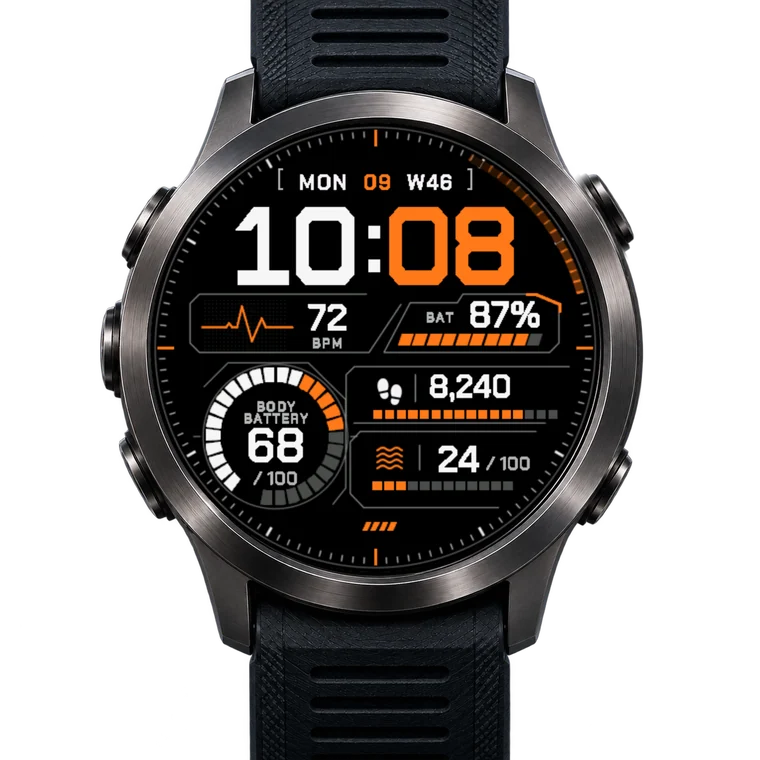
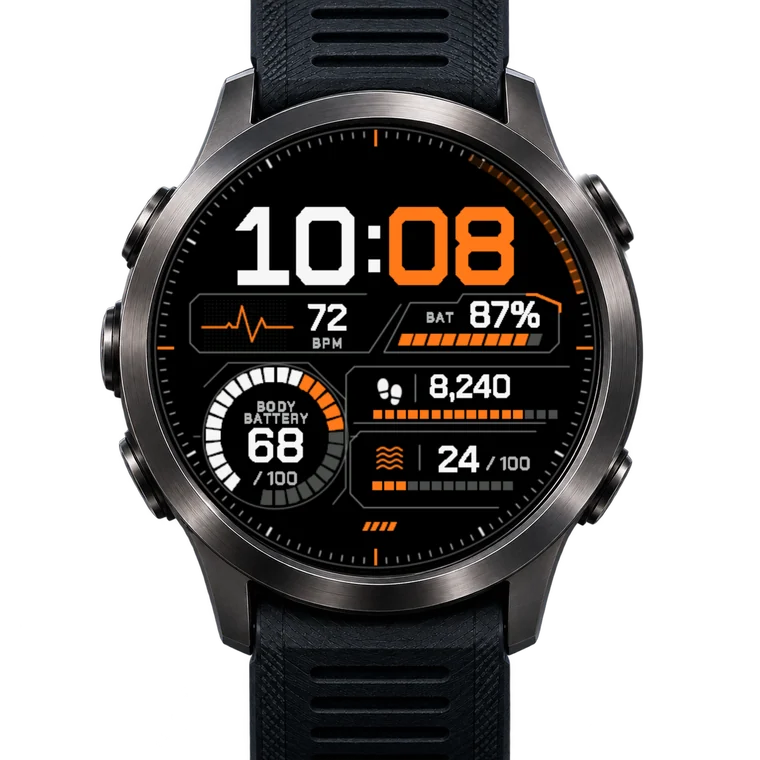
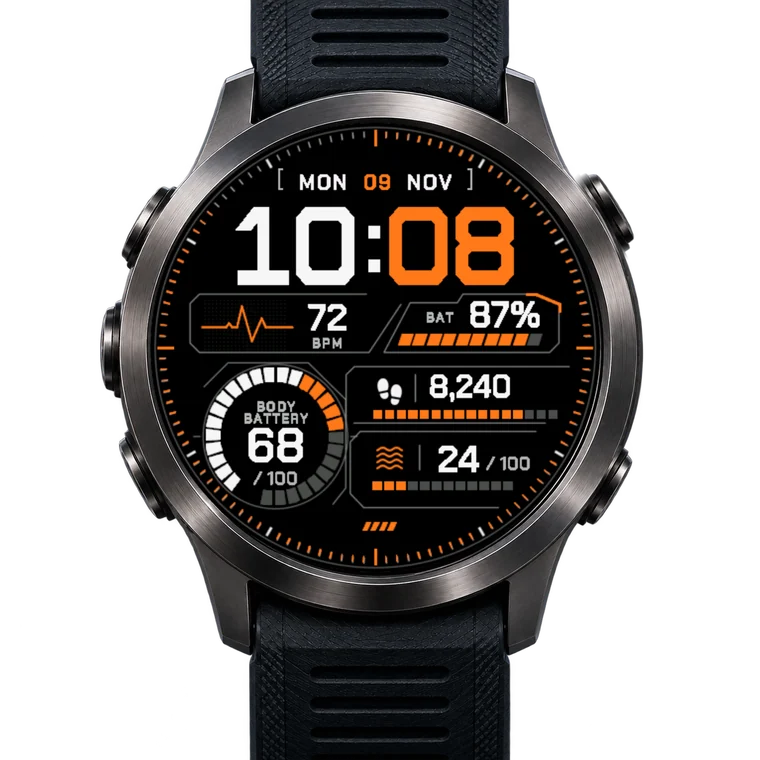
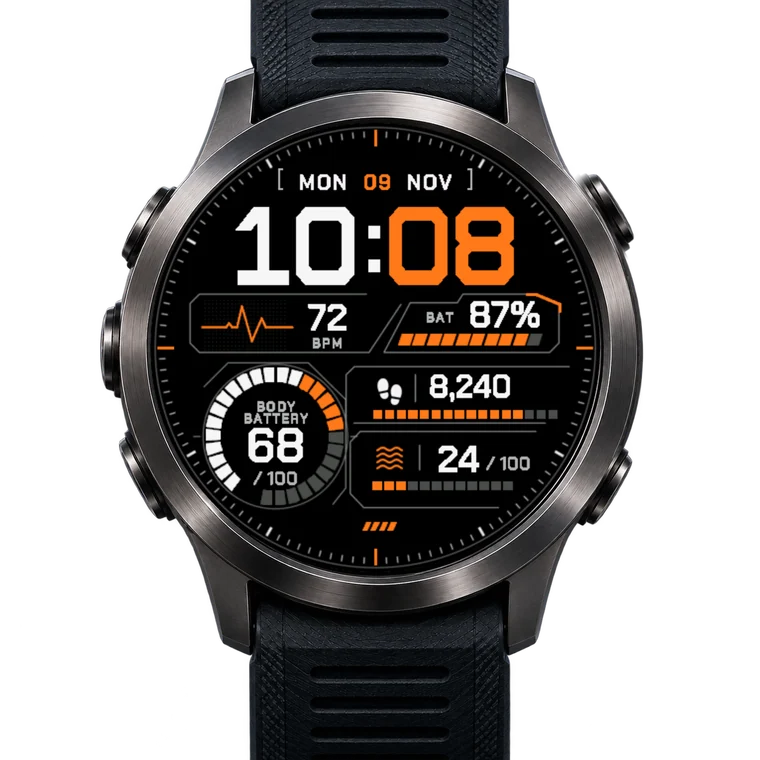
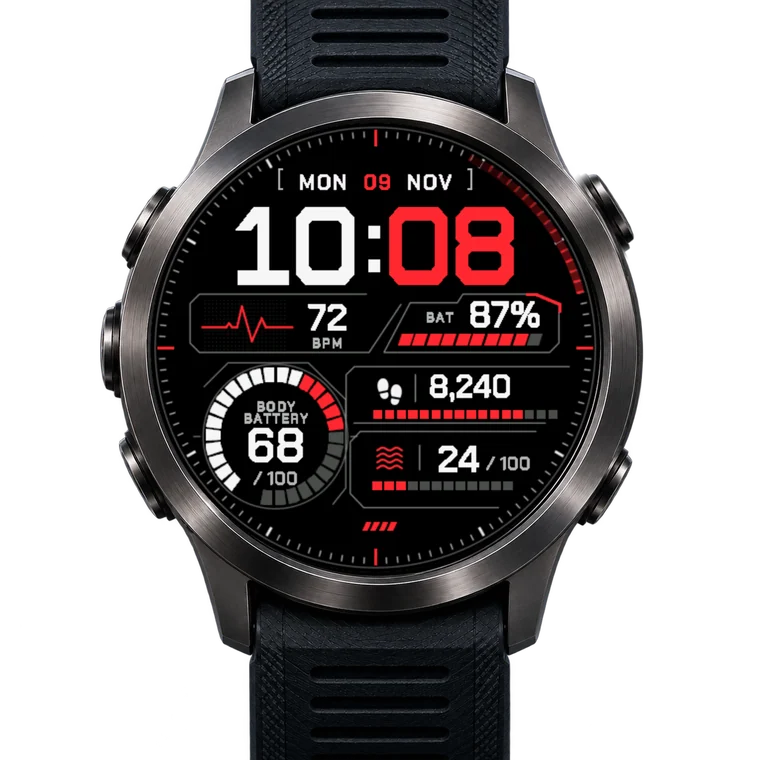
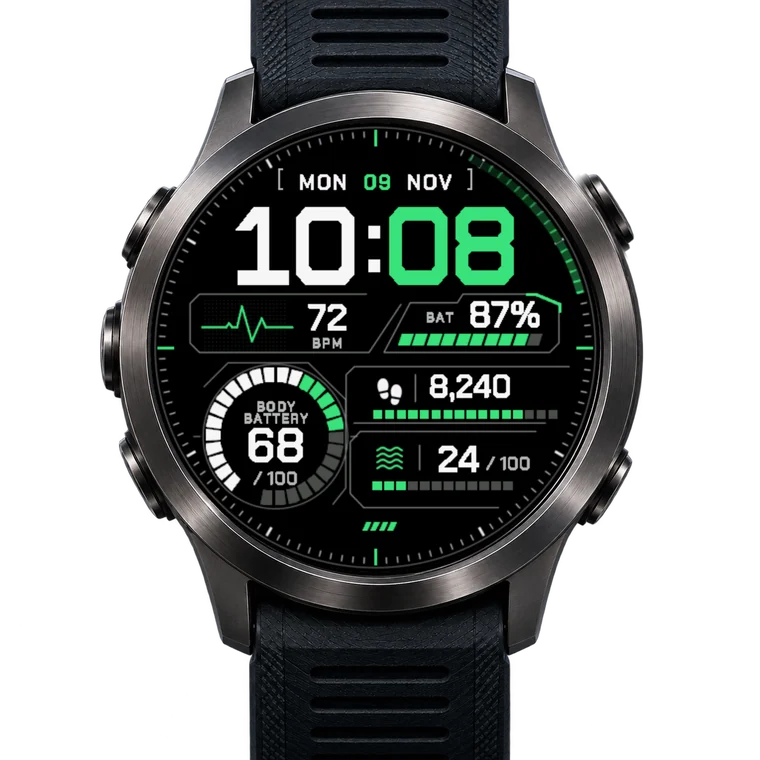
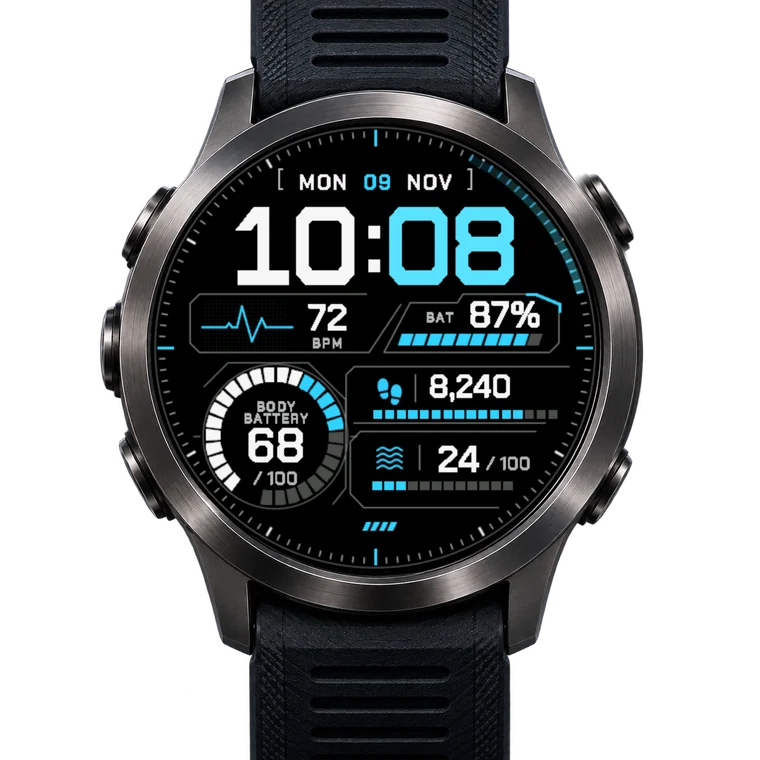
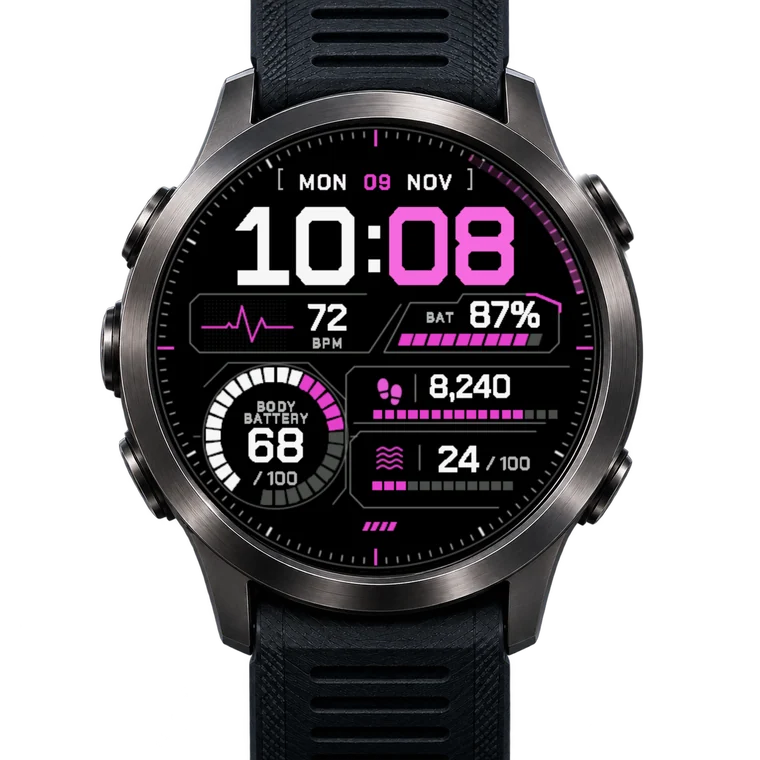
5 fields, 20 metrics in each.
Battery, Body Battery, Recovery time and Heart rate and more. New: hold a field and the watch opens its own page for it, the date opens your calendar (touchscreen watches).
The date your way. The ring your way.
Big or small numbers. Change it any time in the Connect IQ app.
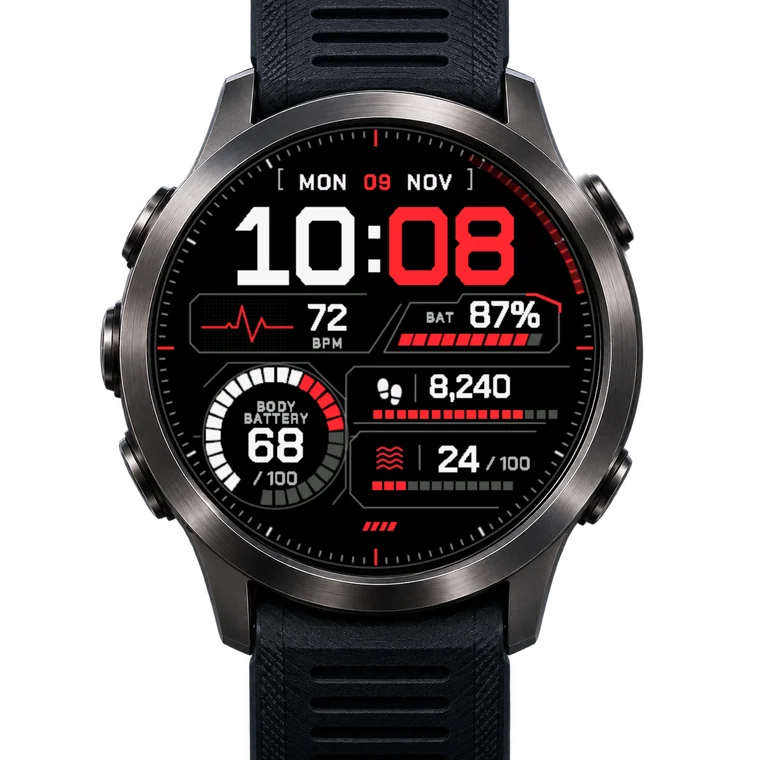
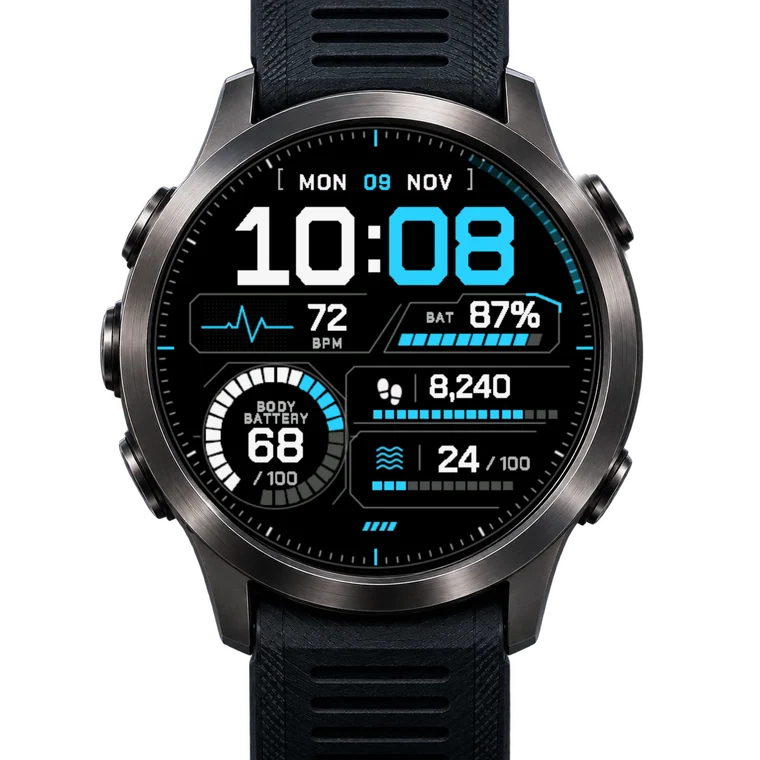
4 colourways and 10 colour themes.
Or pick your own colour for each part. All in one purchase.
68 Garmin watches.
Not on the list: this face does not run on it yet. Ask for your watch.
Version 1.2.3
First released 11 Nov 2026. Updates are free and install by themselves.
- 1.2.317 Nov 2026
- Fixed: on vivoactive 5, Forerunner 70/165, Instinct 3 AMOLED, Approach S50 and Descent G2 the face did not start (it never showed in the watch-face list). The icons are now drawn the way these watches can show them.
- 1.2.114 Nov 2026
- Orange is now the standard colourway. Red, Cyan and Green are still one tap away (setting "Colourway").
Older versions 3
- 1.2.013 Nov 2026
- Bigger: the time, the panels and the Body Battery ring now fill more of the screen, with the tick ring moved out to the edge.
- 1.1.010 Nov 2026
- New: hold to open. Touch and hold a field and your watch opens its own page for it - heart rate, steps, battery, weather, Body Battery, stress, calendar, sunrise/sunset and altitude; the date opens your calendar, the time opens your timer (where your watch has one). On watches with a touchscreen.
- 1.0.010 Nov 2026
- First release: Tactical Panel Digital Watch Face.
Like Command?
A review in the Connect IQ store helps other Garmin owners find it. Something to make better? Tell us, the next update may have it.


